Client portal

CCIT Software Solutions Platform

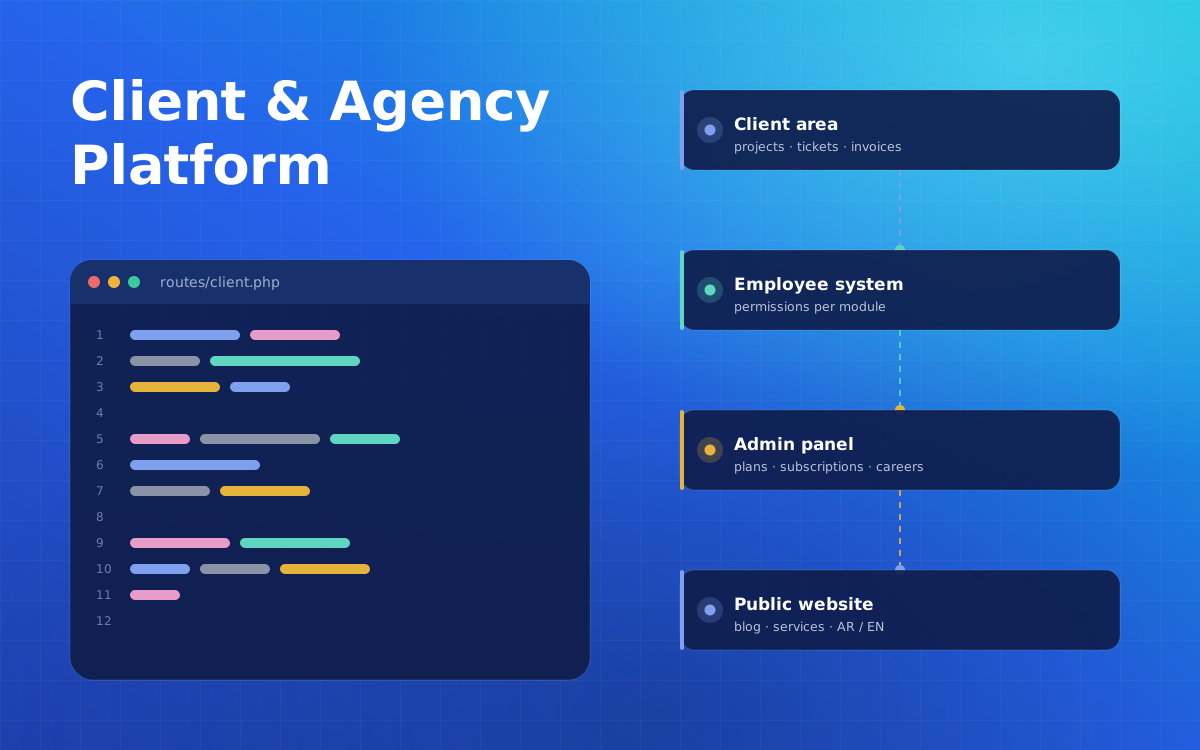
An agency website, client area and employee system in one Laravel platform: projects, tickets, invoices, subscriptions and careers, in two languages.
CCIT Software Solutions Platform
Type
Agency website & client portal
Domain
Software agency
My role
Backend developer · all back-end systems
Stack
Laravel 9 · PHP · MySQL

Overview

CCIT Software Solutions needed more than a company website. This platform combines the public site, a client area and an employee system, all managed from one admin panel.

Clients follow their projects, open support tickets, download files and view invoices and subscriptions. Employees work on what they are assigned, with access limited by permissions. The whole platform is bilingual and has light and dark modes.

The challenge

The agency was handling projects, support, files, invoices and hiring across separate channels. They needed one system where clients can see progress and get support, staff can work on their assigned tasks, and the website content stays easy to update.

My role

I was responsible for every back-end process on the platform and for connecting the front-end design to the admin, client and employee panels.

Technical challenges

  • Three audiences, one system. Admins, clients and employees each need their own views of the same projects, tickets and files.
  • Permissions per module. Employees get access only to the modules and items they are assigned.
  • Conversations on tickets. Tickets needed a messaging thread between the client, the admin and the assigned employee.
  • Bilingual content. Pages and blog articles had to work in two languages, with light and dark themes.

Outcomes

The agency runs client projects, support, files, invoices, subscriptions and recruitment from one platform. Clients can see progress and talk to the team directly, and the website content is managed from the same admin panel.

Lessons learned

  • Design permissions early when several types of users share data.
  • A client area reduces support load when it answers the obvious questions.
  • Reusable admin patterns, such as AJAX CRUD and image optimisation, speed up every new module.
What was built

Admin, client and employee panels

Client work

  • Client projects with stages and progress
  • Tickets with replies and assignment
  • File manager with templates and uploads
  • Invoices, plans and subscriptions

Client area & employees

  • Client registration and password reset
  • Track projects, tickets and subscriptions
  • Download and print invoices
  • Employee access by permission

Website & recruitment

  • Services, clients and testimonials
  • Projects and bilingual blog
  • Careers with categories and applications
  • Contact form with reCAPTCHA v3
Important decisions

Key decisions and trade-offs

Module-level permissions

Problem
Employees should only see the projects and tickets they work on.
Decision
Permissions per module, with projects and tickets assigned to specific staff.
Trade-off
Clear responsibility; more combinations to test.

Messaging on tickets

Problem
Support requests need a clear history between client and team.
Decision
Each ticket has its own message thread and progress status.
Trade-off
Everything in one place; notifications and assignment must stay reliable.

Optimised media

Problem
Many modules accept images that slow pages down.
Decision
Image optimisation with Intervention Image on upload.
Trade-off
Faster pages; processing happens at upload time.
Capabilities

What the platform covers

Client projects
Support tickets
Ticket messaging
File manager
Invoices
Subscriptions
Employee system
Permissions
Careers
Bilingual blog
Multilingual
Dark & light mode
Next step

Have a technical challenge?

Tell me about your application, your goals and your constraints. We'll work out the right next step together.